Propovo
All features

Interactive proposals

Give clients more than a document to scroll.

Present your offer with media, expandable content, clear pricing and a visible next step in a shareable web proposal.

Create your first proposal
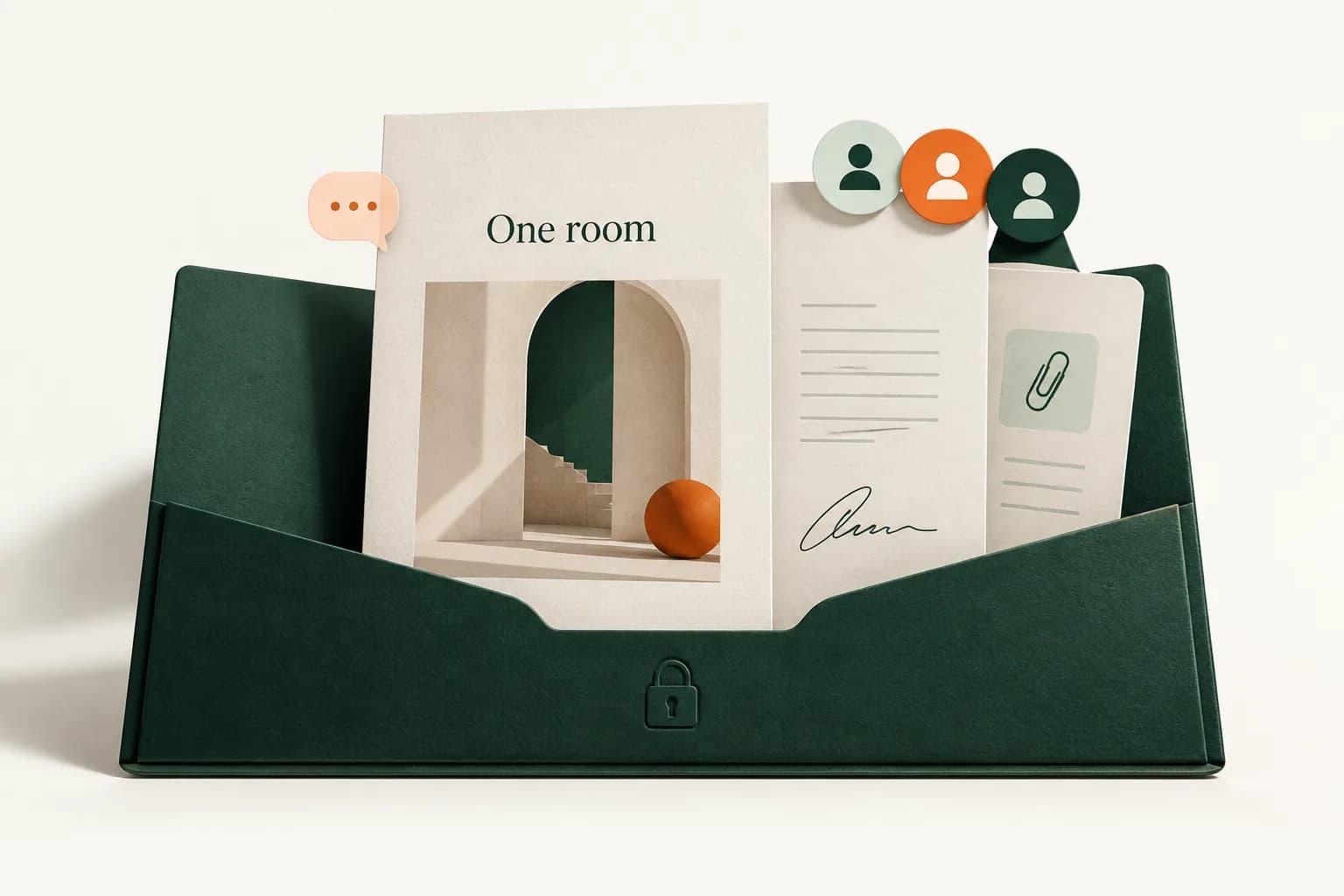
Illustrative visual proposal approach, client feedback and review-and-sign action
Illustrative product detail · sample contentView larger ↗

What you can do

Visual storytelling

Combine text, images, native layouts and charts.

Supported video embeds

Add a YouTube, Vimeo or Loom link.

Expandable detail

Use accordions to make supporting information easy to explore.

Clear actions

Add buttons, package links or a Calendly booking widget.

Client response

Enable comments and proposal acceptance where appropriate.

The workflow

  1. Build the story

    Choose the content that explains the work.

  2. Add purposeful media

    Use visuals and supported embeds where they help.

  3. Set the next step

    Configure an action or acceptance.

  4. Preview the experience

    Check the proposal before sharing its link.

Built around your work

An offer clients can explore

Make detail available without overwhelming the main story.

A clear next step

Give clients a relevant action after reading.

A link you can update

Share the web proposal rather than a static attachment alone.

What to know before you start

  • Supported native embeds include YouTube, Vimeo, Loom and Calendly. A PDF export is static and does not include live embed interactions.

Keep exploring

Make it part of your
next proposal.

Create your first proposal