
A faster starting point
Begin from an editable template or an AI draft.
Less proposal admin. More room for your work.
Create your first proposal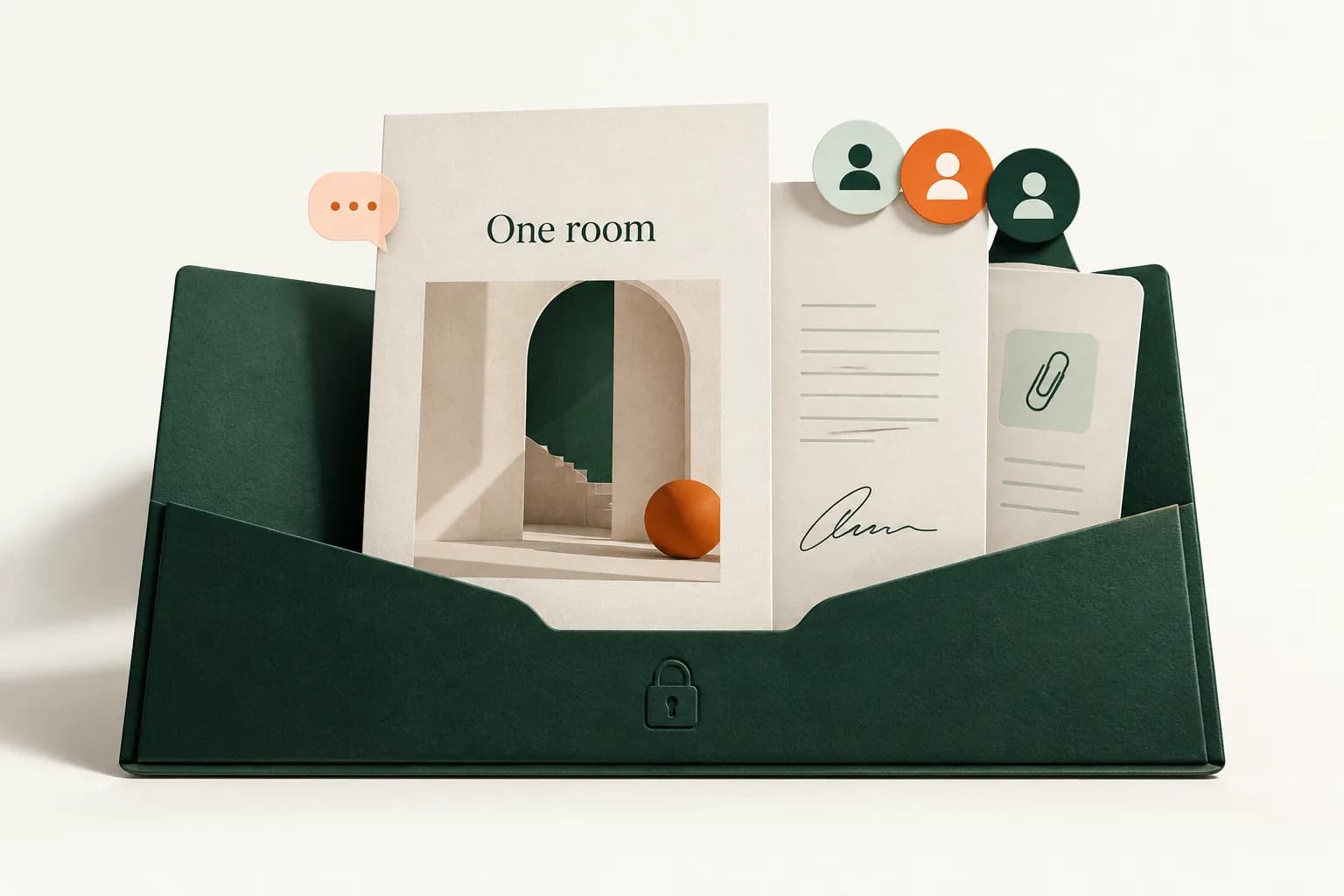
Propovo is proposal software for freelancers who would rather spend their time on client work than on paperwork. A freelance proposal still needs to be clear about deliverables, revisions, timing and fee, and when it is rushed, scope creep and late payment tend to follow.
Propovo starts from an editable template or an AI draft written from a short description or your notes. You review the suggested scope before applying it, add your logo, colours, work samples and pricing in the branded editor, and share one client room link where the client can comment, approve and e-sign. A deposit request then opens your own payment provider link. There is one Premium plan, clients never need a seat, and you can try it free for 14 days without a card.
Begin from an editable template or an AI draft.
Define deliverables, revisions, responsibilities and exclusions.
Bring your logo, colours, work samples and pricing into the proposal.
Use a room to keep the proposal, agreement and shared requests together.
Ines, a fictional freelance designer, pastes notes from a call with a new bakery that needs a logo and packaging labels. Propovo suggests the deliverables and an open question about printing, which she keeps.
Starting from the brand identity template, she lists the logo, colour palette and two label designs, allows two revision rounds, and notes that printing is arranged by the client.
She sets the fee in a pricing table with an optional social media kit, and adds her freelance service agreement so the terms are agreed at the same time.
The bakery owner asks one question in the client room, chooses the optional kit, approves and e-signs. Ines shares a deposit request that opens her own payment provider link, and work begins.
Add the client’s needs and the service you are offering.
Clarify the scope, schedule, fee and missing details.
Add your proof and polish the presentation.
Collect acceptance and share a deposit request through your payment provider.
Set out logo, identity deliverables and revision rounds for a branding project.
An editable service agreement to sign alongside your proposal.
Agree terms as an independent contractor working for a business.
Scope a website project with pages, revisions, timeline and launch.
Propovo has one Premium plan, and your clients never need seats, so the cost does not grow with the number of people reviewing your proposals. You can try it free for 14 days without a card and decide whether it suits the way you work.
Yes. You can work on your own in a single workspace. Team roles and approval policies are there if you later bring in collaborators, but you do not have to use them. A solo workflow is simply notes or a template, your edits and a shared client room.
Write the boundaries into the proposal: deliverables, revision rounds, timing, what the client supplies and what is excluded. Propovo’s templates include these sections, and the client approves and e-signs that scope in the client room, which gives you something clear to point to when new requests arrive.
Yes. You can connect your email account so proposals and follow-ups go out from your own address. Connected accounts are send-only: Propovo uses them to send messages on your behalf and does not read your inbox.