Propovo
All use cases

AI Proposals for Developers

Turn your discovery notes into a proposal you can make your own.

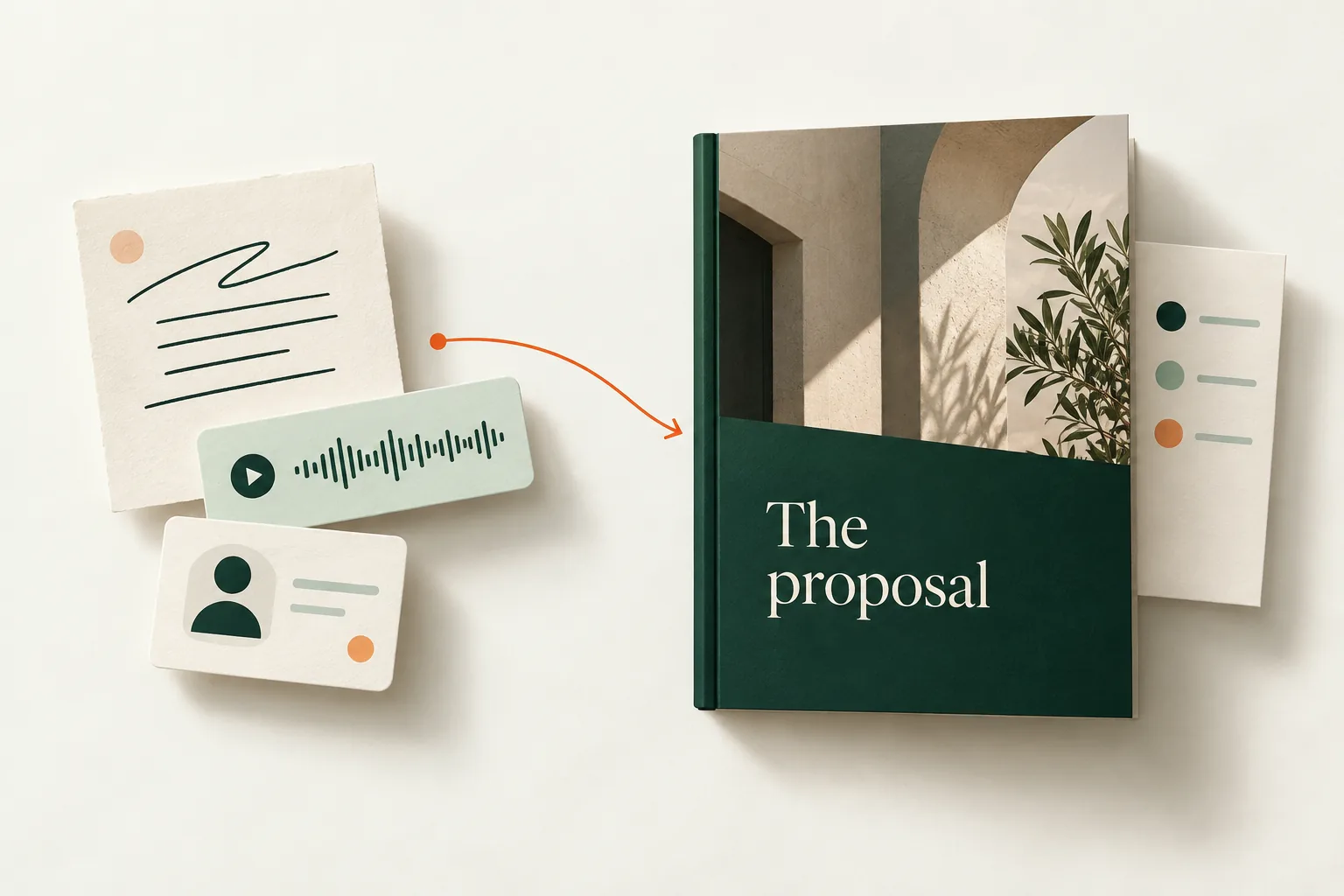
Start with your discovery notes. Propovo helps organize the requirements, integrations, dependencies, acceptance criteria and support scope into an AI-assisted proposal. Review the scope and unanswered questions, refine the writing and design, then share a client link and follow up from recorded activity.

Try with my client notes
Illustrative proposal scope and AI editing controls
Illustrative product detail · sample contentView larger ↗

From the brief to the decision

Technical Architecture

Present system architecture and technology stack decisions with clear explanations and benefits.

Development Methodology

Explain your development process, testing procedures, and quality assurance practices.

Timeline & Milestones

Break down complex projects into clear phases with deliverables and timeline estimates.

Code Examples

Include relevant code snippets or technical examples that demonstrate your expertise.

Integration Planning

Detail how new development will integrate with existing systems and workflows.

Maintenance & Support

Clearly outline post-launch support, maintenance options, and long-term partnership benefits.

Your proposal workflow

  1. Bring your discovery notes

    Paste the relevant conversation or brief, including the requirements, integrations, dependencies, acceptance criteria and support scope. Add your business context and relevant proof.

  2. Review the brief and open questions

    Check the extracted details and answer clarifying questions. Confirm the scope and approach before generating; keep unconfirmed prices, dates and commitments open for discussion.

  3. Refine the proposal in your editor

    Review the AI draft, edit the deliverables and commercial terms, add your work and style the proposal with your brand. Preview the client experience before sharing.

  4. Share and choose the next step

    Prepare an email from your connected inbox or share the proposal link. Review recorded views, comments and acceptance; use the deal action queue to decide what to do next.

Keep exploring

Bring your next
client conversation.

Try with my client notes