
Packages and quotes
Show the options, included work and prices in your proposal.
A clear offer. A clear way to pay.
Build a proposal with pricing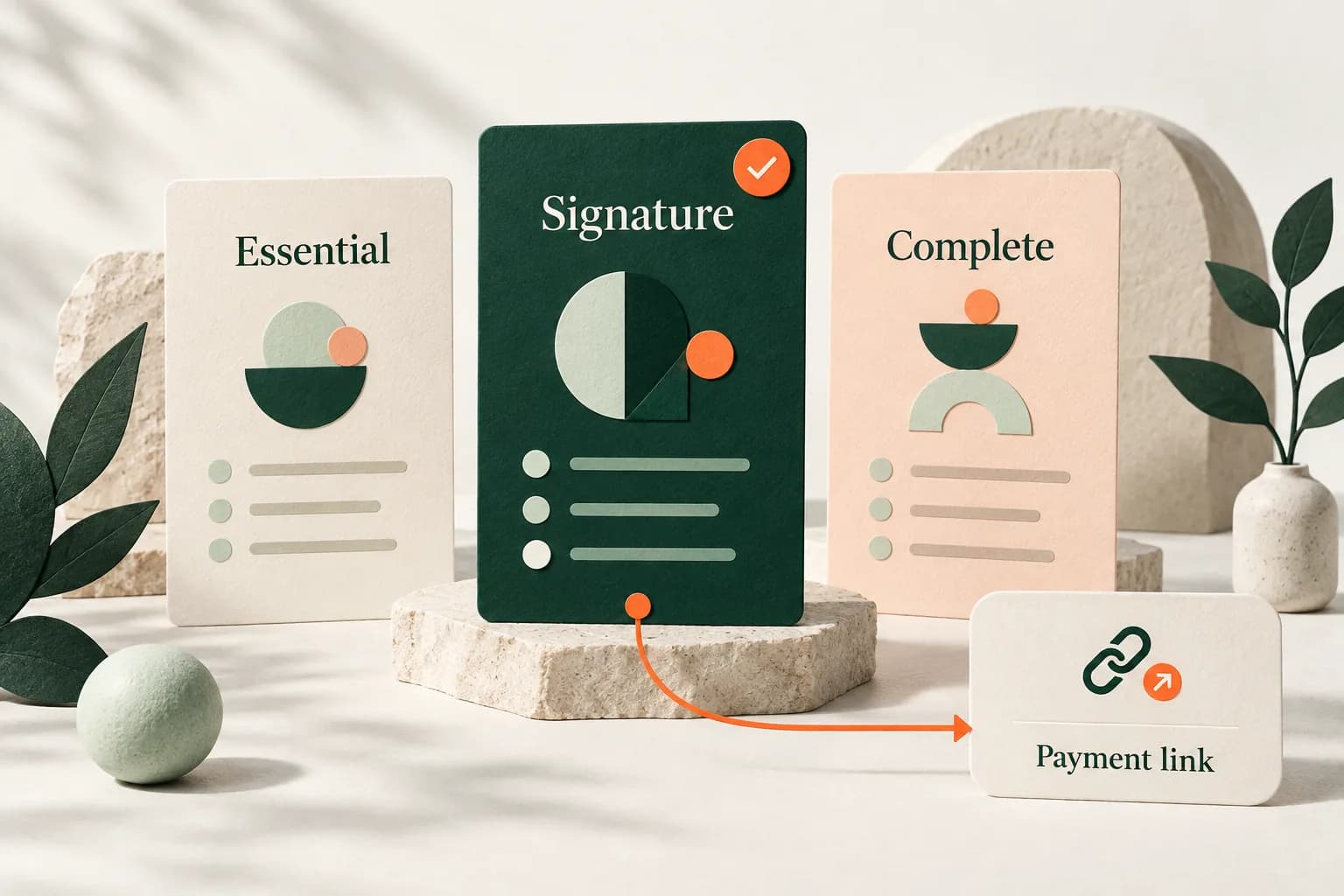
Propovo shows packages and itemised pricing in the proposal, then lets you share deposit or milestone payment requests for accepted work using the payment link you already use, such as Stripe or PayPal. The money goes straight to your provider, with no Propovo fee.
Show the options, included work and prices in your proposal.
Create a request against an accepted agreement or change order.
Add the HTTPS payment link you already use.
Keep shared requests, replacements, cancellations and recorded receipts together.
Add packages or an itemised quote to the proposal.
Collect acceptance before preparing a payment request.
Set the amount, description and optional due date.
Check the agreement and payment details, then share the request.
Put scope and pricing beside each other.
Connect each request to the accepted work.
Send clients to your own payment page.
A web agency’s client accepts the middle package. The agency creates a 40% deposit request against the accepted agreement with its Stripe payment link and a due date, and shares it in the client room. When the payment arrives, it records the receipt, and the request history shows what was asked and paid.
Packages, itemised quotes, optional extras and quantities, shown clearly in the proposal.
Create requests against an accepted agreement or change order, with an amount, description and optional due date.
Shared requests, replacements, cancellations and recorded receipts stay together.
Bonsai adds a 1% fee when you use Stripe or PayPal, and QwilrPay adds 0.09% per transaction on Qwilr Starter. Propovo takes no fee: requests open your own payment link.
Yes. After acceptance, create a deposit or milestone request with your own payment link and share it with the client.
No. Payments happen on your provider’s page, so only your provider’s fees apply.
Any provider that gives you an HTTPS payment link, such as Stripe or PayPal.
Yes. Every Propovo feature is on the one plan, $24 per seat a month billed annually, with a 14-day free trial and no card.