
Always beside you
Open Propovo AI from any page. It knows the document or deal you are looking at, and you can clear that context at any time.
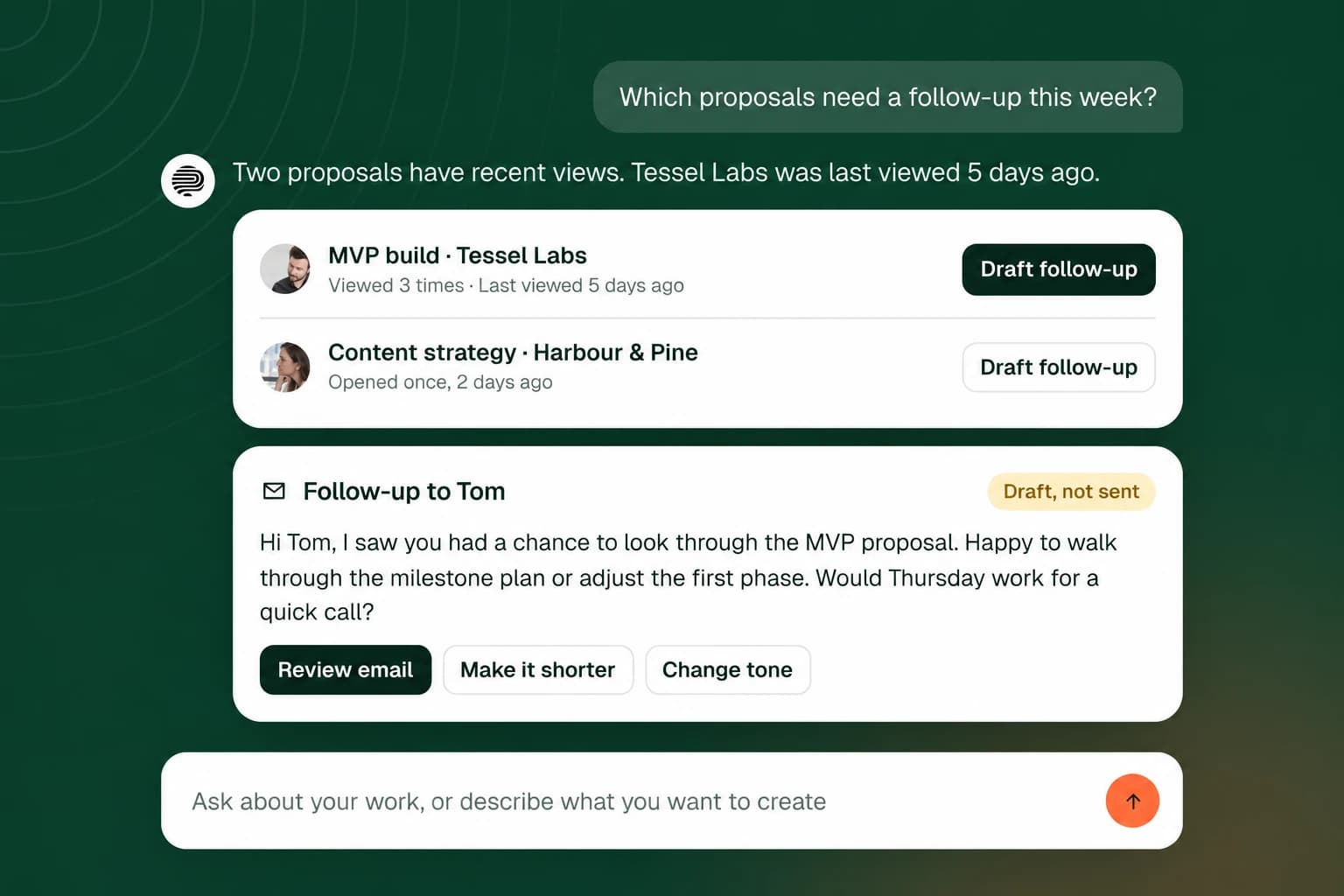
Open Propovo AI from any page. It knows the document or deal you are looking at, and you can clear that context at any time.
Which documents are waiting on a client? What changed this week? What is missing before I send the offer?
See what needs attention today, what is coming up and what is waiting on clients, then discuss any of it.
Edits to a document arrive as a preview you apply or discard, and emails open for review before anything is sent.
From any page, or from a deal’s Discuss with AI.
Start from a question or a suggested prompt.
Check the draft, summary or proposed edit.
Apply the change or send the email when it is right.
Ask about deals, documents and rooms in one place.
Draft a relevant message from the activity Propovo has recorded.
Changes and client emails wait for your review.