Propovo
All use cases

AI Proposals for Photographers

Turn your client conversation into a proposal you can make your own.

Start with your client conversation. Propovo helps organize the shoot, location, schedule, usage rights and image delivery into an AI-assisted proposal. Review the scope and unanswered questions, refine the writing and design, then share a client link and follow up from recorded activity.

Try with my client notes
Illustrative proposal scope and AI editing controls
Illustrative product detail · sample contentView larger ↗

From the brief to the decision

Portfolio Galleries

Showcase your photography with beautiful, responsive galleries organized by style or event type.

Session Planning

Detail shoot logistics, timeline, location options, and what clients can expect on the day.

Package Comparisons

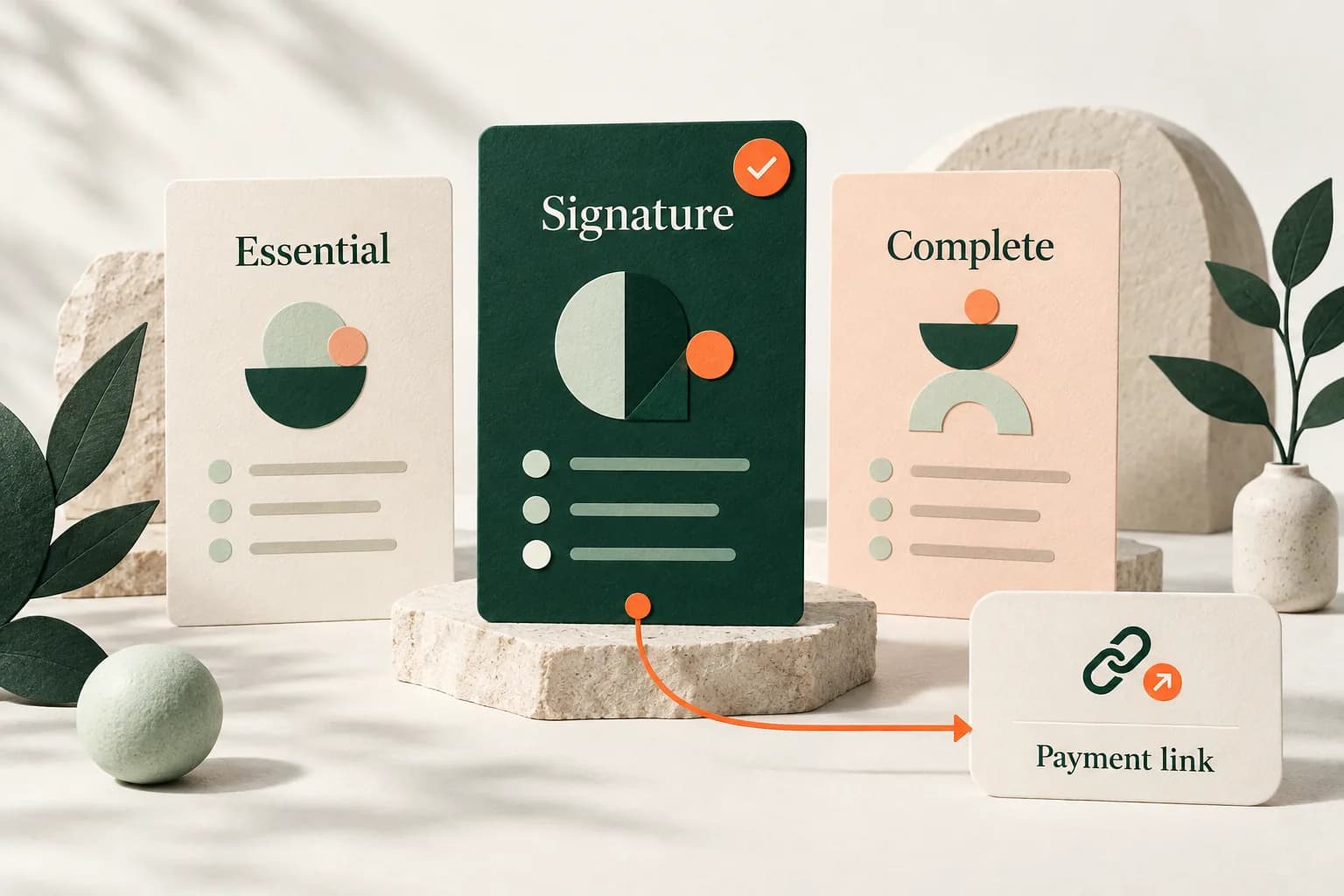
Present different photography packages with clear pricing and what's included in each option.

Style Showcases

Demonstrate your range across different photography styles and techniques.

Client Testimonials

Include reviews and feedback from previous clients to build trust and credibility.

Delivery Timeline

Set clear expectations for photo editing, delivery times, and final product formats.

Your proposal workflow

  1. Bring your client conversation

    Paste the relevant conversation or brief, including the shoot, location, schedule, usage rights and image delivery. Add your business context and relevant proof.

  2. Review the brief and open questions

    Check the extracted details and answer clarifying questions. Confirm the scope and approach before generating; keep unconfirmed prices, dates and commitments open for discussion.

  3. Refine the proposal in your editor

    Review the AI draft, edit the deliverables and commercial terms, add your work and style the proposal with your brand. Preview the client experience before sharing.

  4. Share and choose the next step

    Prepare an email from your connected inbox or share the proposal link. Review recorded views, comments and acceptance; use the deal action queue to decide what to do next.

Keep exploring

Bring your next
client conversation.

Try with my client notes