Professional Tools

PDF Export

Generate polished PDF versions

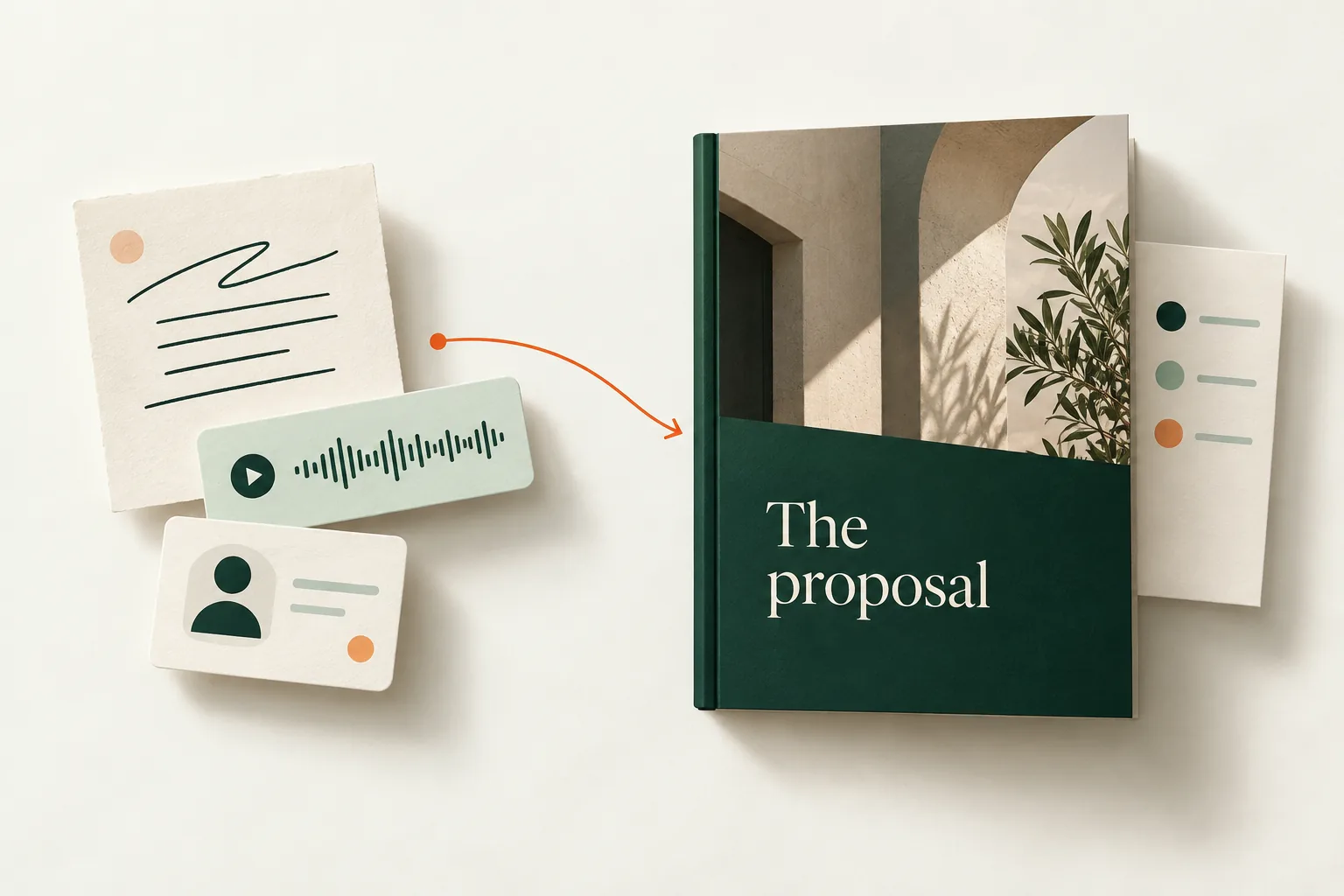
Export your proposals as beautiful, print-ready PDFs for clients who prefer traditional formats. Maintain all styling and branding in the exported documents.

Export to PDF

What's Included

High-Quality Export

Generate pixel-perfect PDFs that maintain all design elements and branding.

Print Optimization

PDFs are optimized for both screen viewing and high-quality printing.

Customizable Layouts

Choose from different PDF layouts including single-page and multi-page formats.

Watermark Options

Add custom watermarks or draft markings to exported PDFs.

Bulk Export

Export multiple proposals at once for batch processing or archiving.

Version Control

Automatically append version numbers and dates to exported files.

Key Benefits

Why this feature makes a difference for your proposals

Client Flexibility

Accommodate clients who prefer traditional PDF formats for review and approval.

Offline Access

Provide clients with offline access to proposals for review in any situation.

Easy Sharing

PDFs can be easily shared via email, printed, or included in other documents.

How It Works

Get started with PDF Export in just a few simple steps

1

Complete your proposal

Finish creating your proposal using Propovo's interactive editor.

2

Choose export options

Select PDF layout, quality settings, and any additional options like watermarks.

Export settings can be saved as defaults!

3

Generate PDF

Click export and receive a high-quality PDF within seconds.

4

Download and share

Download the PDF to your device or share it directly with clients via email.

Ready to try PDF Export?

Join professionals who are already creating winning proposals with Propovo.

Export to PDF