
Review the next step
See a suggested action and its reason for the proposal you are working on.
Know what needs your attention next.
Move from preparing the proposal to managing the next conversation. Propovo brings proposal status, client activity and follow-up actions into your deals workspace.
Create your first proposal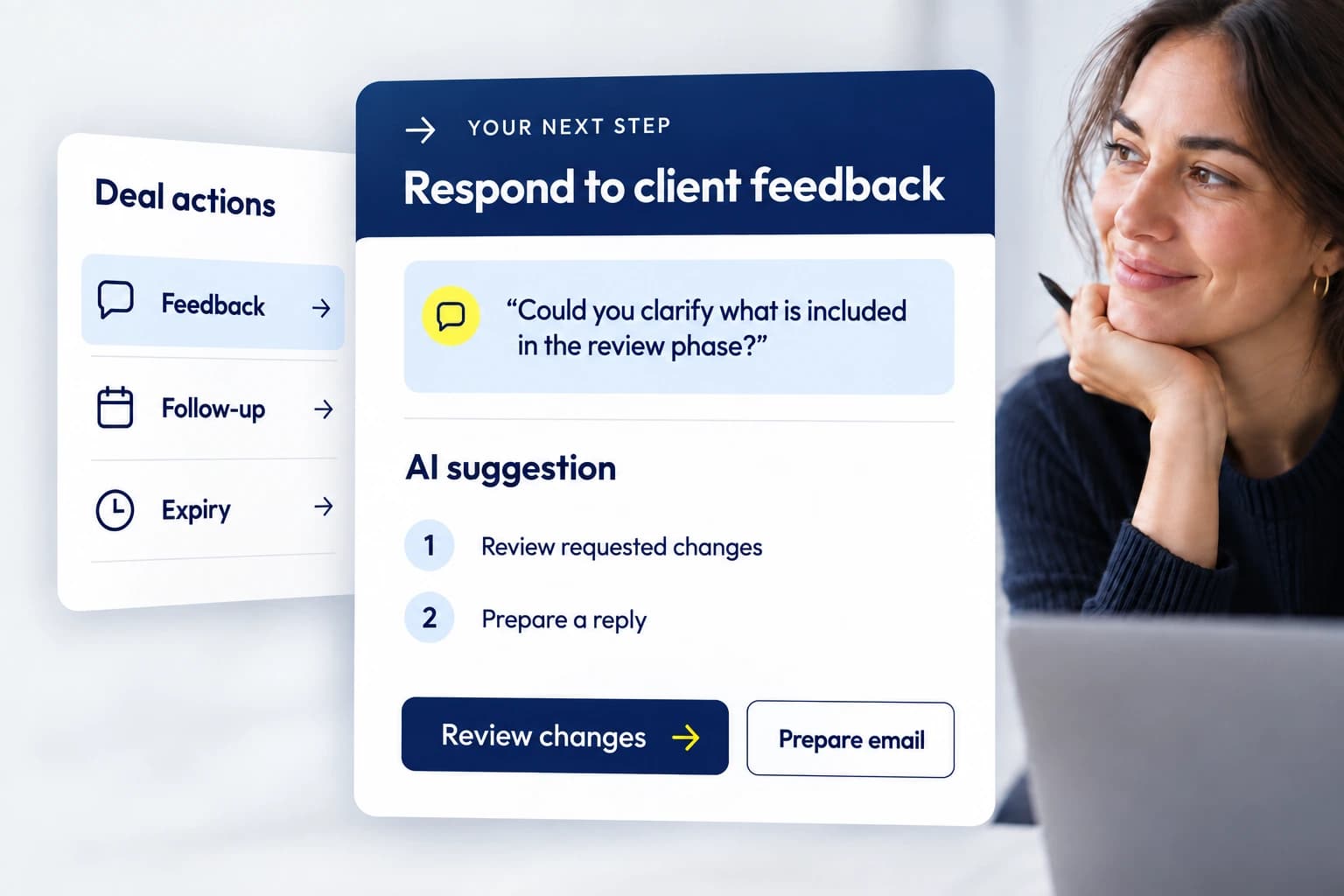
See a suggested action and its reason for the proposal you are working on.
Prepare a proposal email from the editor, proposal details or deals workspace.
Review views, comments and requests for changes in context.
Open the Actions view in Deals to see items that need attention or are waiting.
Update the action after a conversation and manage the deal stage separately.
Review the message, recipient and next step before taking action.
Review the pipeline and switch to Actions when you need a work queue.
Check the suggested step and recent activity.
Prepare an email, revise the proposal or continue the conversation.
Record what happened and adjust the deal when appropriate.
Bring outstanding proposal actions into one place.
Use client feedback and proposal activity to decide what to say.
Keep follow-up focused on a question, decision or agreed action.