
Edit a section or the document
Choose the scope of your request so the assistant works on the right content.
Ask for a change. Review it on the page.
Refine an existing proposal through an AI assistant. Work on one section or the full document, inspect the proposed changes, and decide what to keep.
Create your first proposal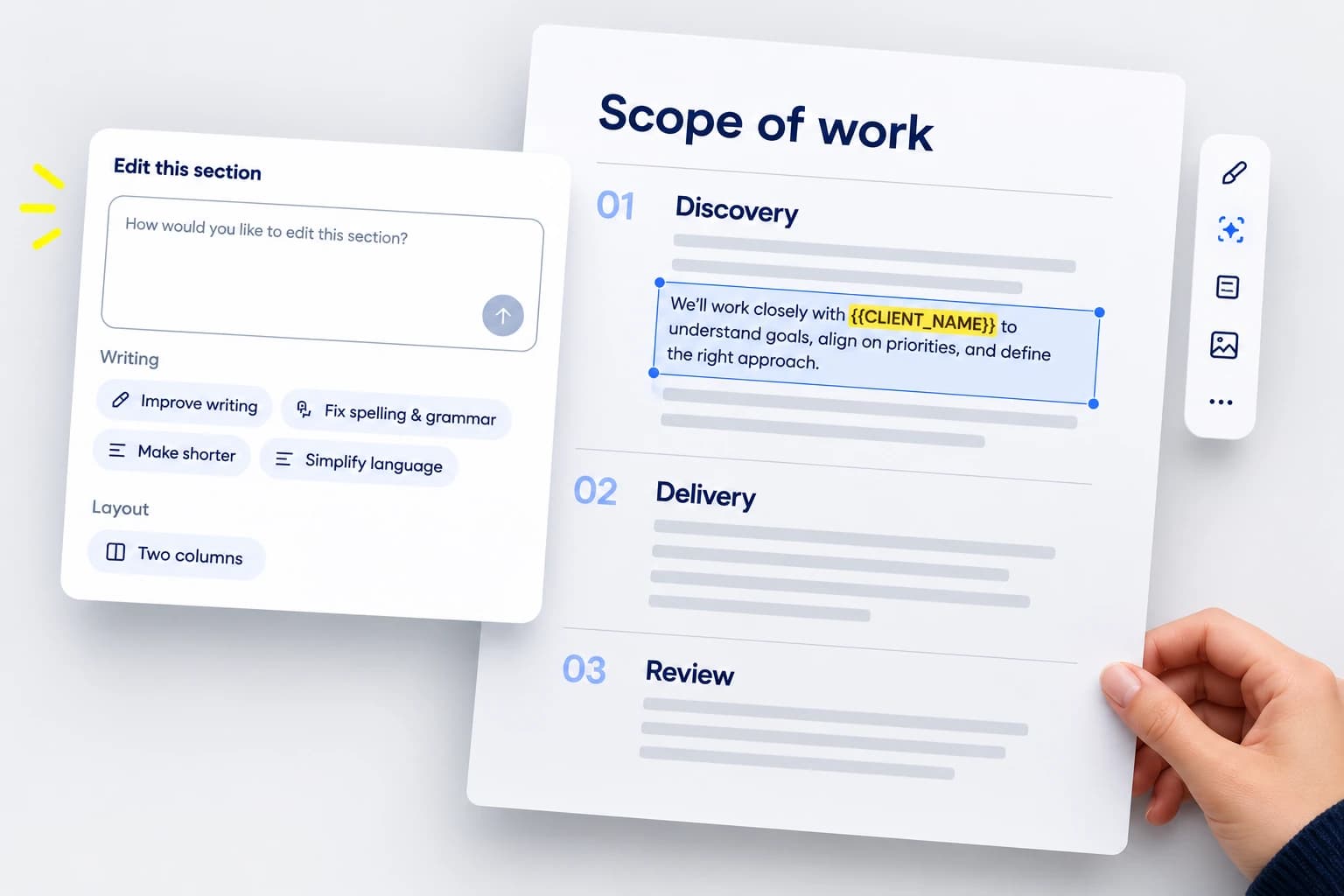
Choose the scope of your request so the assistant works on the right content.
Improve clarity, fix spelling and grammar, shorten copy or simplify the language.
Request one or two columns, move elements or reorder sections while keeping the content.
Ask for a relevant stock image or supply a specific image URL.
Inspect the on-page preview and apply or discard it explicitly.
Revert the last applied AI edit when the document revision still allows it.
Open the assistant for a section or the full document.
Use a quick edit or write a specific instruction.
Check that facts, prices and commitments remain correct.
Keep the preview, reject it or revise your instruction.
Refine the draft where you can see the content and layout together.
Approve the preview before the saved proposal changes.
Ask for the change you need without starting the document again.