
Built on what was agreed
Start from an accepted proposal, contract, service agreement, statement of work or renewal, at the exact version the client accepted.
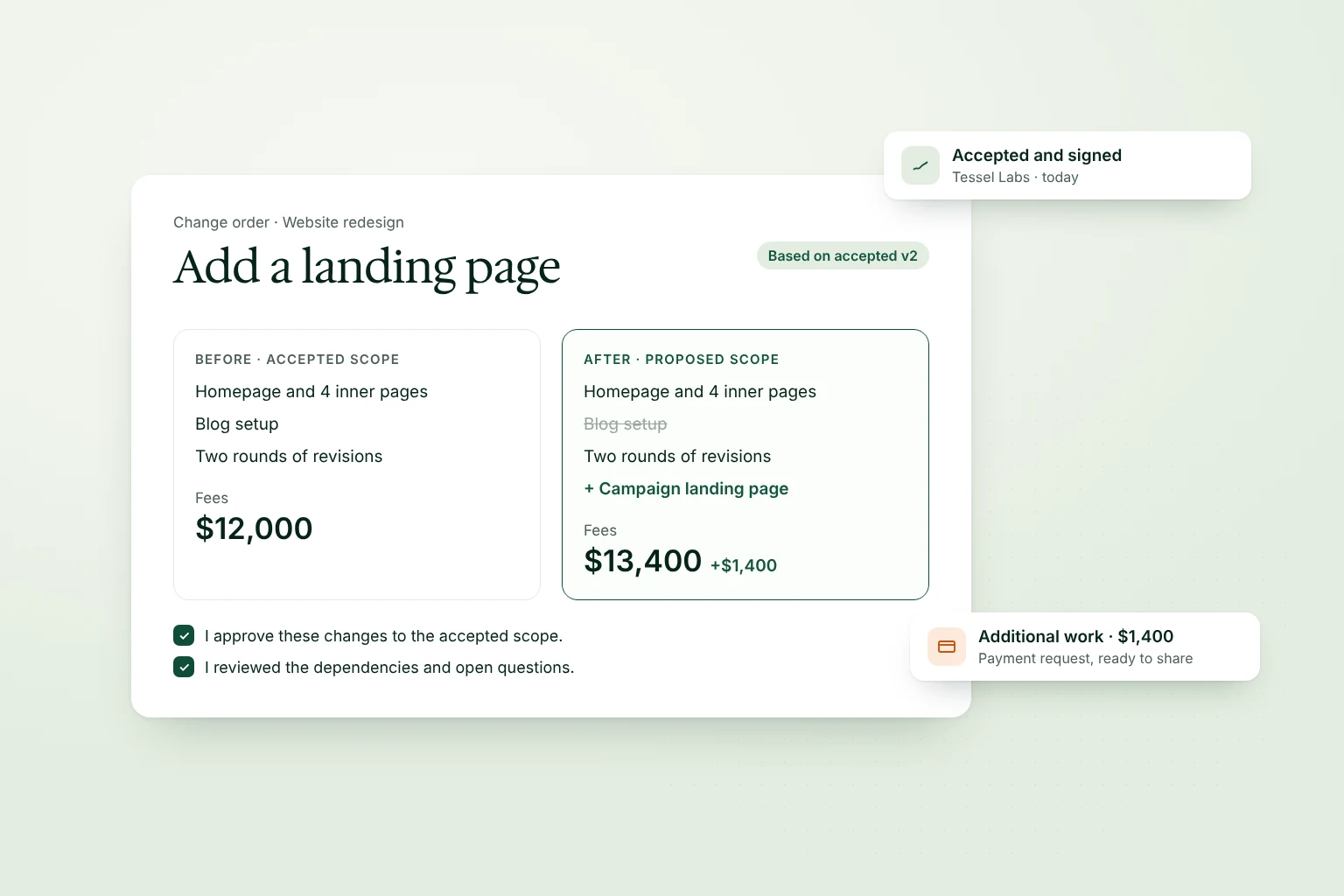
Start from an accepted proposal, contract, service agreement, statement of work or renewal, at the exact version the client accepted.
Record added and removed deliverables, the fee change, timeline effects and open questions, then review them against the accepted scope.
Each person you name accepts the change order, with an e-signature by default.
Raise a payment request against the change order using your own payment link.
Choose the accepted version the change applies to.
Add the client’s request, deliverables and fee change.
Approve the before and after, then create the document.
Your client accepts and signs where they read it.
Every change is written down and agreed.
The signed agreement never changes; accepted change orders add to its scope.
See what changed, when and who accepted it.