
Kickoff briefs
Set out the agreed scope, who does what, what you need from the client and the first steps.
Start the work well. Keep clients in the picture.
Create a kickoff brief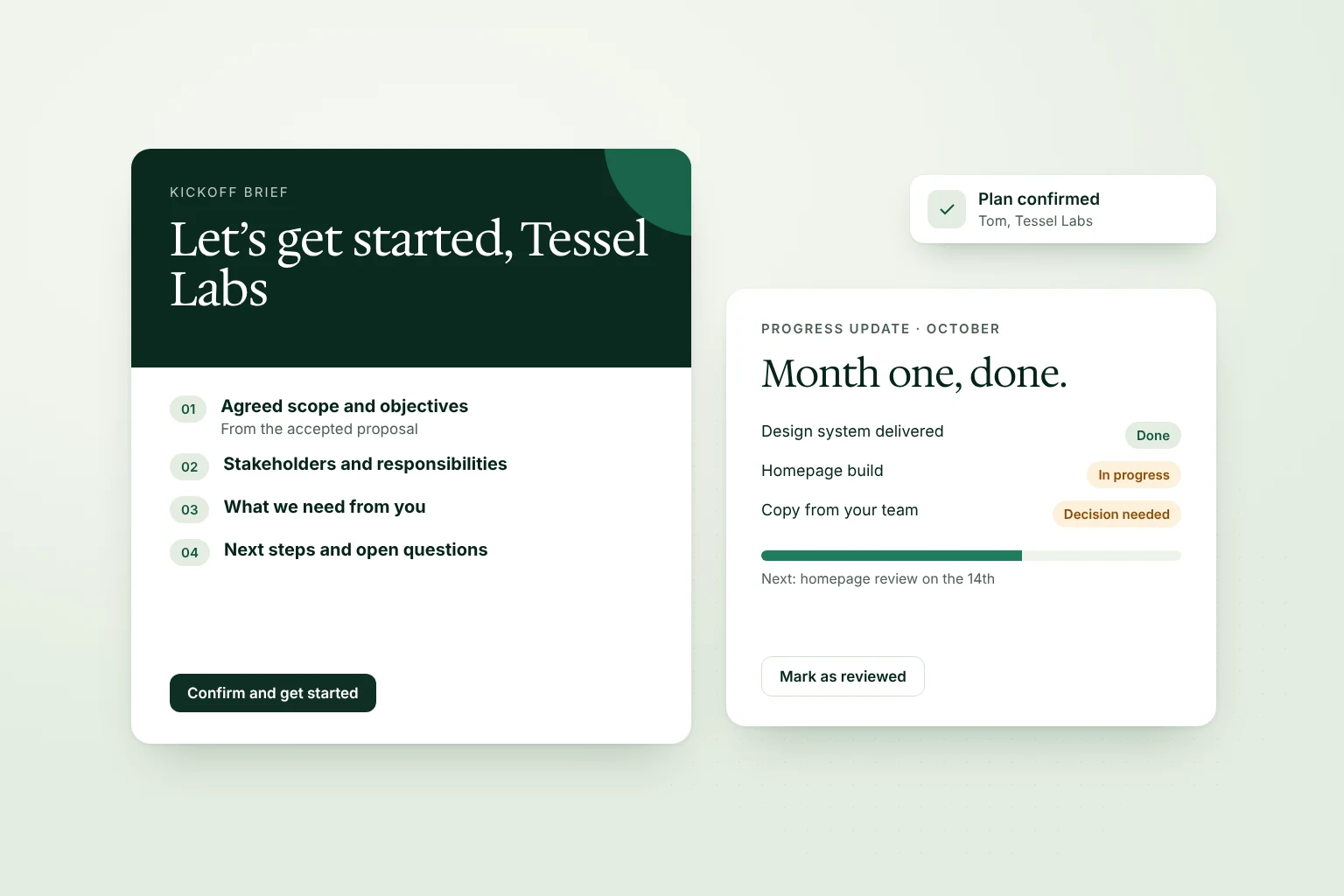
Set out the agreed scope, who does what, what you need from the client and the first steps.
Report the period’s completed work, results, risks, decisions needed and what comes next.
Ask the client to confirm the plan or mark a report as reviewed. No signature needed.
Create a private client room from an accepted agreement, with the brief and the agreed scope ready to share.
Create a kickoff brief or a report from a template or with AI.
Fill in owners, dates, results and decisions.
Send the link or add it to the client room.
See when the client confirms or reviews it.
Everyone agrees on the plan before work begins.
One link with the update, the evidence and the next steps.
AI drafts from the results you supply and leaves missing numbers open for you.